TV on Wall? Why It’s Not Just About Saving Space Anymore
At Cube Communications, we see firsthand how something as simple as mounting your TV on wall can completely change a space.
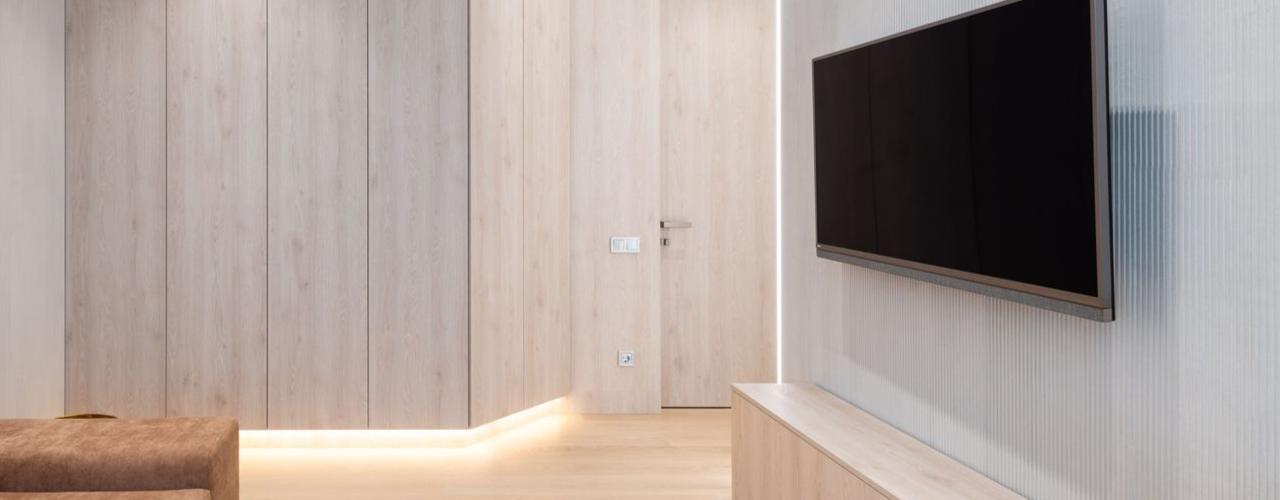
Mounting your TV on wall clears the clutter, sharpens your room’s look, and makes the space feel more considered. But that’s just the beginning. A well-positioned screen also supports comfort and daily usability.
We’re proud to deliver professional, friendly service that’s backed by strong client feedback read what people are saying about us.
What’s the real impact of a poor TV mounting setup?
Choosing any old bracket and drilling into the wall without much thought might seem quick, but it often leads to problems:
- A screen mounted too high that strains your neck
- Brackets not suited to your wall type or TV weight
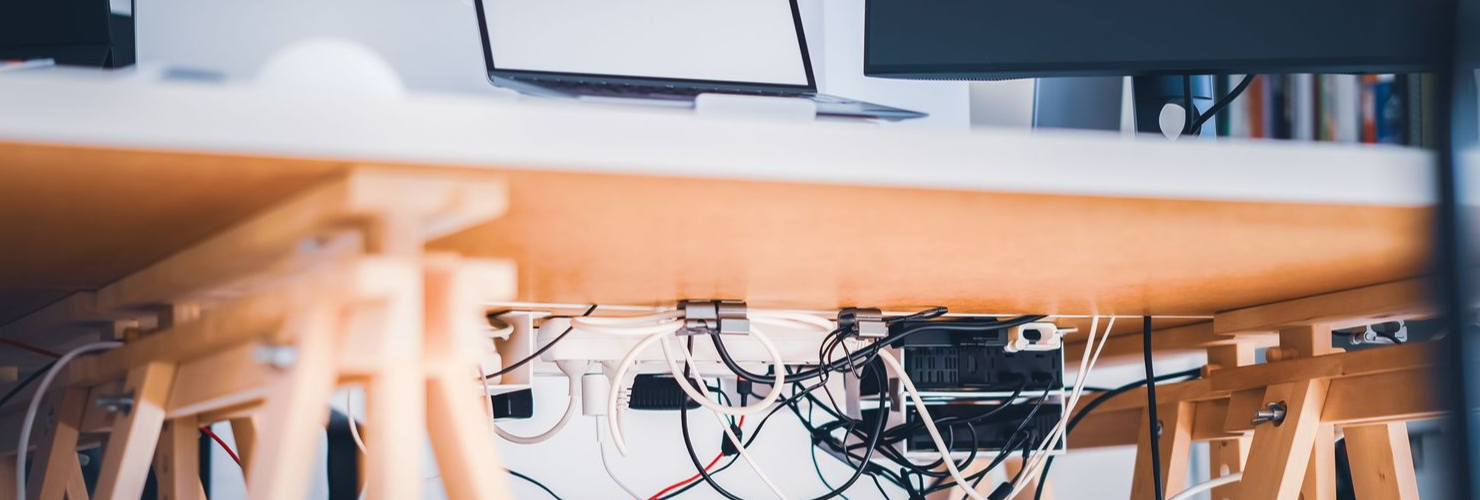
- Cables, consoles, and media boxes poorly positioned or left dangling
These small mistakes often create long-term annoyances distracting you from what should be a seamless viewing experience. Choosing the right TV on wall setup from the start avoids these issues entirely.
Why getting the height right matters for your health
Set it too high and you’re annoyed and sore. Your neck and upper back pay the price if you're looking up for extended periods. For those spending hours watching shows or gaming, these issues add up fast.
Set your TV so the centre of the screen aligns with your eye level when seated usually around 42–48 inches from the floor. Got a reclining sofa or mixed seating options? A tilt or swivel mount gives you flexibility. This small detail makes a big difference in how relaxed you feel during long viewing sessions.
What tools do you need to mount a TV on wall?
If you're doing it yourself, make sure you’ve got:
- Spirit level and tape measure
- Stud finder and quality drill
- Wall anchors rated for your TV's weight
- Mounting bolts and screwdriver
These tools help you get the job done right the first time. Skipping a step often leads to crooked screens or loose brackets. Get someone to help balancing a TV while drilling is never a solo job. Installing your TV on wall with the right support tools ensures better accuracy and long-term security.
Final checks before committing
Double-check the basics:
- Does your wall support your TV’s size and weight?
- Are power sockets and media points nearby?
- Will the TV be exposed to direct light or heat?
Planning ahead avoids surprises, like cables that don’t reach or a glare-filled screen. Many DIY installations fail because they miss one of these key checks. Make sure your TV on wall isn't an afterthought these checks are essential.
Does your wall type affect your mounting options?
It does. For example:
- Brick or concrete: Great for heavy screens.
- Stud walls: Anchor directly into studs for strength.
- Plasterboard: Often needs reinforcements or professional help.
Your wall is the foundation of your setup. Understanding its limits helps you avoid issues with stability or alignment. Always consider the type of TV on wall bracket suitable for your surface.
Should you mount your TV above a fireplace?
It looks neat, but it’s not always the best choice. Fireplaces introduce heat and placing a screen too high strains your eyes and neck. If you’re set on it, use a tilt mount and make sure the wall doesn’t get too hot.
Also, check if there's enough space for both the TV and any soundbar or shelf underneath. Heat and tight spacing often go unnoticed until it's too late.
Thinking about sound? Plan for the soundbar
Adding a soundbar under your mounted screen improves dialogue clarity and fills the room with sound more effectively than built-in speakers. Mounting it keeps surfaces tidy and sound direction consistent.
You’ll enjoy shows more when the sound is crisp, clear, and coming from the right direction. If you have a larger room or frequently host guests, a good audio setup is just as important as the screen itself.
Hiding devices and managing clutter
Wall-mounting your TV on wall leaves you with the question where do the devices go?
Options include:
- Wall-mounted or floating shelves
- Built-in units
- Using IR repeaters for hidden tech
Think about the future too. If you're planning to upgrade your devices or add new gear, it's easier if your setup already allows for cable management and hidden storage.
How do you future-proof your setup?
If you plan for upgrades now, you won’t need to start from scratch later:
- Leave room for larger screens
- Use brackets with adjustable arms
- Add trunking or conduits for easy cable changes
These forward-thinking decisions reduce the hassle of upgrades and keep your living room looking clean. It’s not just about aesthetics but also about convenience down the line. Make sure your TV on wall setup stays relevant as your needs change.
Where should you place your seating?
Distance matters. Sit 1.5 to 2.5 times the screen size away for best clarity. Avoid direct glare from windows or overhead lights. Position your main seats in line with the screen’s centre for the best view.
If your room layout makes direct placement tricky, a full-motion mount allows for easy angle adjustments. Families or those who host often should consider adjustable mounts for wider viewing angles. This is especially helpful for larger rooms with multiple seating zones facing the TV on wall.
What about smart home integration?
Your TV on wall can work smoothly with smart lighting, voice assistants, and integrated AV systems. Get your cabling, positioning, and hardware choices right from the start to avoid rewiring later.
Features like HDMI ARC, smart plugs, or Apple TV/HomeKit can be seamlessly integrated with some planning.
Can you mount it yourself or hire a pro?
You can try, but it’s not always worth the risk. A professional will:
- Ensure accurate alignment and bracket choice
- Conceal wires cleanly
- Complete installation faster and more safely
If your wall is tricky or the TV is large, calling in an expert saves stress and avoids mistakes. They also advise on best placement for lighting, power, and future expandability.
Why proper placement supports eye comfort
Mounting your TV too high can lead to dry eyes and fatigue from blinking less. Glare from windows or poor lighting adds to the strain. The right positioning avoids this. For kids, eye-level mounting matters even more to protect their vision while they watch or game.
A well-mounted TV on wall supports better posture and helps prevent eye discomfort across all age groups. Even a few centimetres off-centre can cause long-term strain. Choosing to mount your TV on wall with ergonomic guidelines in mind is a simple way to protect everyone’s comfort.
Get it right with Cube Communications
Your TV setup deserves more than guesswork. With Cube Communications, you get expert advice, precision installation, and a clean, future-proof setup that fits your space and needs. We take the hassle out of mounting your TV on wall and deliver a result that looks great and works brilliantly.
Reach out to us for a personal no-obligation quote.
Also, feel free to explore our other home services designed to support your full home tech setup.